Embedding PHP in HTML Pages
PHP statements are embedded into HTML documents by surrounding the PHP statements with <?php and ?> tags. Anything between such tags is evaluated by the web server and replaced with appropriate HTML code, prior to the page being served to the browser.
You can have as many sets of <?php and ?> tags in your page as you want.
Tip
 | Web servers normally recognize by the file extension which files contain PHP code and process them accordingly. The most used file extension for PHP files is .php, but you may also see .php3, .php4, .phtml, and various others. To make your code portable to as many web server environments as possible, it's best to stick with .php. |
Outputting HTML from PHP
Several PHP commands can help you write text and HTML code directly into your page. Perhaps the simplest is the echo command:
echo "I wrote this line using PHP";
The preceding statement simply places "I wrote this line using PHP" into the HTML document at precisely the place where the PHP statement occurs.
Listing 5.1 shows the source code of a PHP file to print Hello World in the browser window.
Listing 5.1. Printing Hello World in PHP
<html>
<head>
<title>A Simple PHP Script</title>
</head>
<body>
<?php echo "<h1>Hello World!</h1>"; ?>
</body>
</html>
|
Note that in this script, the output string also contains some HTML tags, <h1> and </h1>. As the PHP statements are executed by the web server before serving the page to us, these tags are written into the document's HTML along with the "Hello World" text and evaluated by our browser along with all other HTML markup in the document. Figure 5.1 shows the browser displaying our "Hello World" page.
Figure 5.1. "Hello World" in PHP.
[View full size image]
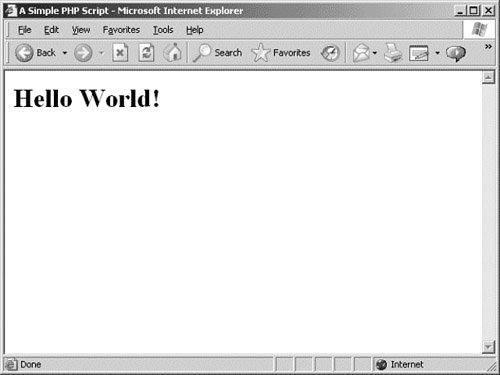
If we ask the browser to show us the source of this page, it displays the following code, in which we can see that the PHP elements have been completely evaluated by the web server, which has inserted the relevant HTML into the page:
<html>
<head>
<title>A Simple PHP Script</title>
</head>
<body>
<h1>Hello World!</h1></body>
</html>
![[View full size image]](05fig01_alt.jpg)