
The HTML Document
Listing 11.1 shows the code for our HTML page.
Listing 11.1. The HTML Page for Our Ajax Application
<!DOCTYPE HTML PUBLIC "-//W3C//DTD HTML 4.01 Transitional//EN" |
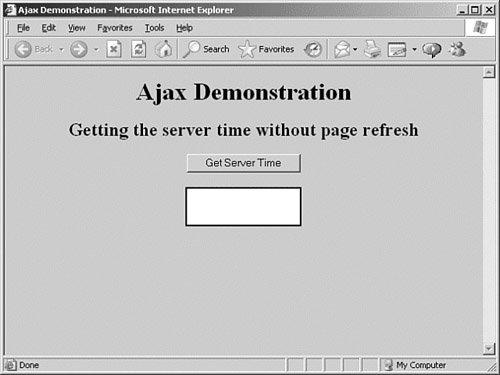
This is a simple HTML layout, having only a title, subtitle, button, and <div> element, plus some style definitions.
Tip
 | In HTML the <div> ... </div> element stands for division and can be used to allow a number of page elements to be grouped together and manipulated in a block. |
Figure 11.1 shows what the HTML page looks like.
Figure 11.1. The HTML file of Listing 11.1.
![[View full size image]](11fig01_alt.jpg)